
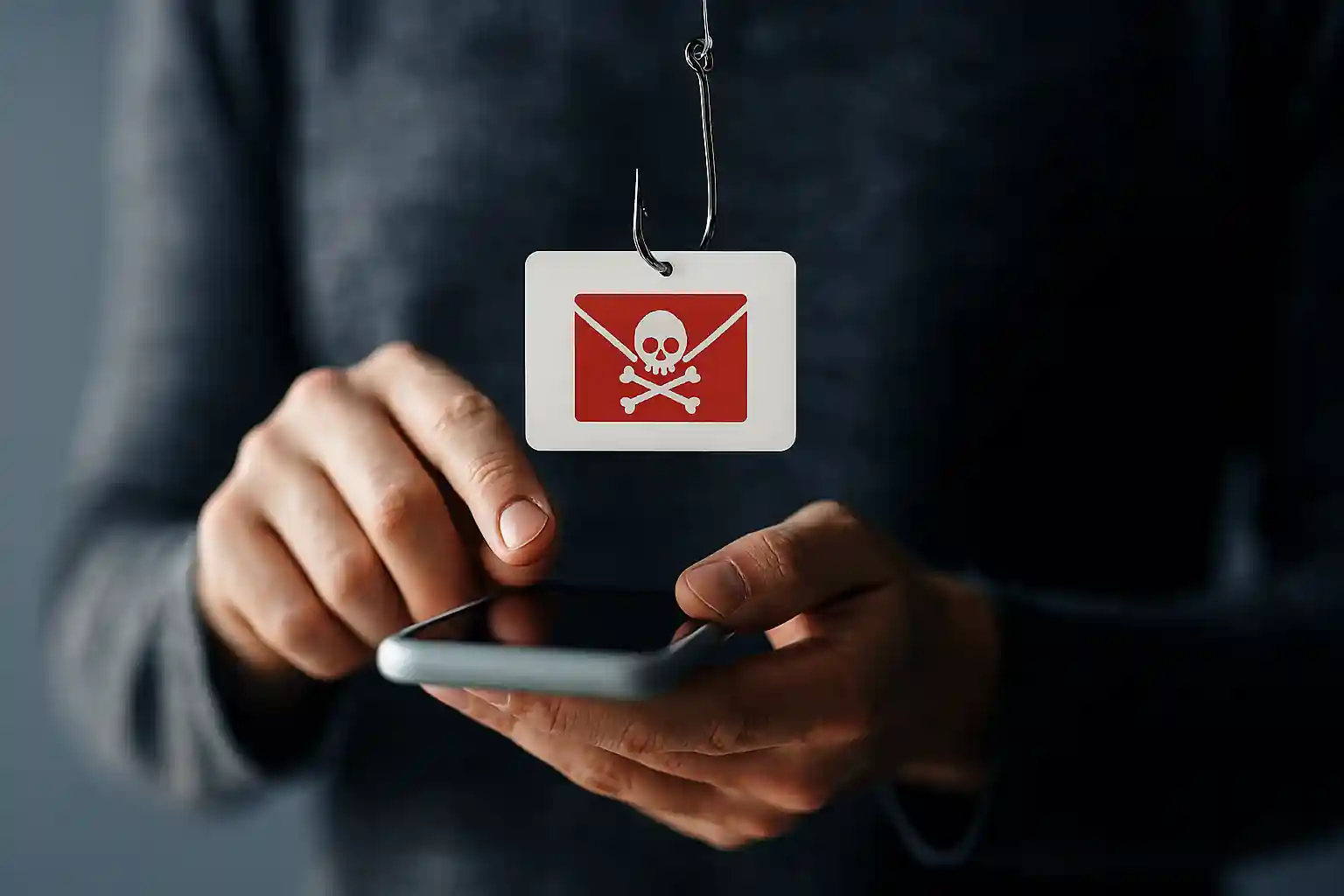
What Is a Phishing Link? The Complete Guide to Every Phishing Attack, URL Scam, and Phishing Scam — And How to Protect Yourself from Phishing
In today’s digital world, one single phishing link can cost you your identity, your money, or even your entire business. If you’ve ever wondered what is a phishing link, how a phishing attack works, or how to protect yourself from phishing, you are in the right place.
At mail experts, we specialize in advanced email security and phishing protection solutions designed to stop malicious links before they cause damage. This page is your complete commercial-intent guide to understanding phishing threats and taking action immediately.
If you want enterprise-level protection right now, explore our dedicated Phishing Protection Service here:
👉 https://mailexperts.io/services/phishing-protection/
If you want to go deeper into targeted attacks, read our in-depth guide on spear phishing:
👉 https://mailexperts.io/what-is-spear-phishing/
What Is a Phishing Link?
A phishing link is a malicious URL designed to trick people into revealing sensitive data such as passwords, login credentials, credit card numbers, account numbers, and other personal and financial information.
A phishing link usually appears inside:
-
A phishing email
-
A text message
-
A malicious message
-
A post on social media
-
Fake emails that look legitimate
The attacker designs the phishing url to redirect victims to a phishing website that is designed to look like an official website — like a bank, payment platform, or major brand like Microsoft.
The goal? To steal credentials, install malware, or launch a larger phishing campaign.
What Is a Phishing Attack?
A phishing attack is a cybercrime method where a scammer impersonates a trusted entity to trick people into clicking malicious links, sharing personal information, or downloading malware.
Phishing attacks often:
-
Create urgency
-
Use a sense of urgency
-
Impersonate trusted brands
-
Spoof official domains
-
Use fraudulent urls
-
Exploit weak email security
Phishing uses deception. It may look like it’s from your bank. It may look like it comes from your email provider. It may look legitimate — but it’s not.
Attacks often begin when you receive an email that looks official.
What Is a URL in the Context of a Phishing Scam?
A URL (Uniform Resource Locator) is a web address. In phishing scams, attackers manipulate urls to make them look legitimate.
Examples:
-
Changing one letter (micr0soft instead of microsoft)
-
Adding subdomains (secure-login.bank.fake-site.com)
-
Using shortened urls
-
Using phishing urls hidden behind buttons
When you check the url carefully in your web browser, you may notice inconsistencies. That’s why learning how to check the url is essential.
What Is a Scam and a Phishing Scam?
A scam is a fraudulent scheme designed to deceive victims.
A phishing scam is a specific type of scam that uses email phishing, text message deception, and malicious websites to steal:
-
Login credentials
-
Personal information
-
Sensitive data
-
Credit card numbers
-
Account numbers
-
Passwords
Identity theft is often the result.
Protect Yourself from Phishing
Understanding what is a phishing link is step one. Taking action is step two.
At mail experts, we help businesses and individuals protect your organization and protect yourself from phishing using:
-
Advanced phishing detection
-
AI-driven malicious link scanning
-
Email protection layers
-
Anti-phishing systems
-
Phishing awareness training
-
Real-time threat filtering
👉 Learn more about our phishing protection here:
https://mailexperts.io/services/phishing-protection/
How a Phishing Attack Works
The Anatomy of a Phishing Email
A phishing email usually:
-
Looks like it comes from an official site
-
Uses urgency (“Your account will be suspended”)
-
Contains a phishing link
-
Requests verification
-
Asks you to log in to your account
The email may look authentic. The email looks professional. The email may mimic branding. But it is fraudulent.
Common Phishing Techniques
-
Spoofed email headers
-
Fake sender addresses
-
Business email compromise
-
Malicious attachments
-
QR codes
-
Using a phone number to appear official
Phishing techniques evolve constantly, especially with AI.
Phishing Email vs Spear Phishing
Spear phishing is a targeted phishing attack where the attacker researches the victim.
Read our full breakdown here:
https://mailexperts.io/what-is-spear-phishing/
Spear phishing may:
-
Use personal information
-
Mention company data
-
Impersonate executives
-
Target high-value accounts
Simple phishing targets many email users at once. Spear phishing targets you specifically.
How to Identify a Phishing URL
Check the URL Carefully
Always check the url before you click the link.
Signs of a Phishing URL
-
Misspellings
-
Extra characters
-
Subdomains
-
Non-secure domains
-
Suspicious links
A phishing website may look like a legitimate site but the url reveals the truth.
Spot a Phishing Email or Message
Warning Signs
-
Suspicious email tone
-
Sense of urgency
-
Threats of account suspension
-
Requests for login credentials
-
Requests for credit card numbers
-
Fraudulent verification requests
Many email providers have spam filters, but spam filters are not enough.
What Happens If You Click on a Phishing Link?
Clicking a phishing link can:
-
Install malware
-
Redirect to a malicious website
-
Capture login credentials
-
Trigger identity theft
-
Expose sensitive data
If you responded to a phishing email, act immediately.
What to Do If You Responded to a Phishing Email
-
Change your password immediately
-
Enable multi-factor verification
-
Report phishing
-
Scan for malware
-
Notify your email server administrator
-
Contact your bank if account numbers were shared
How to Report a Phishing Scam
Report Phishing Immediately
You should report phishing to:
-
Your email providers
-
Your IT department
-
Security authorities
Report a phishing attempt before others fall victim.
Phishing Website: How Attackers Trick People
A phishing website is often designed to look like an official website.
It may:
-
Impersonate like a bank
-
Mimic Microsoft login pages
-
Copy logos
-
Replicate branding
The page may look like it’s legitimate, but it’s malicious.
Email Security: Your First Line of Defense
Email security is critical because most phishing campaigns start via email.
Why Many Email Systems Fail
-
Weak filter rules
-
Outdated spam filters
-
No phishing detection
-
No malicious link scanning
That’s where mail experts comes in.
Defend Against Phishing with Advanced Protection
At mail experts, we deploy:
-
AI-driven detection
-
URL scanning engines
-
Phishing infrastructure analysis
-
Email protection layers
-
Anti-phishing protocols
-
Real-time phishing url blocking
Our phishing protection services are designed to:
-
Protect your organization
-
Preventing phishing attacks
-
Detect malicious links
-
Block fraudulent urls
-
Stop business email compromise
👉 Secure your systems now:
https://mailexperts.io/services/phishing-protection/
Common Phishing Examples
Example 1: Fake Bank Email
You get an email saying:
“Your account has been locked. Click the link to verify.”
The email looks official. It may look like it comes from your bank.
You click on a link. You enter login credentials.
The attacker now has access.
Example 2: Microsoft Verification Scam
The scammer impersonates Microsoft.
The phishing email requests verification of your login.
The phishing website captures your password.
Example 3: QR Code Phishing
Instead of a url, the email contains QR codes.
You scan with your web browser or phone.
You are redirected to a malicious website.
Phishing Awareness: The Human Layer of Security
Phishing awareness is crucial.
Employees must learn how to identify phishing attempts.
You should train teams to:
-
Spot a phishing
-
Identify phishing urls
-
Check the url
-
Avoid clicking suspicious links
-
Recognize malicious message patterns
How AI Is Changing Phishing Attacks
AI now allows attackers to:
-
Create realistic fake emails
-
Personalize phishing campaign messages
-
Mimic writing styles
-
Scale attacks
But AI also powers phishing detection when used correctly.
At mail experts, our systems use AI to detect:
-
Anomalous email headers
-
Suspicious urls
-
Malicious infrastructure
-
Fraudulent behavior
Phishing Infrastructure and Large-Scale Attacks
Modern phishing infrastructure includes:
-
Compromised email servers
-
Bot networks
-
Automated phishing urls
-
Mass emails sent
Attacks often start with many email blasts.
Why Spam Filters Are Not Enough
Spam filters catch basic threats, but:
-
Spear phishing bypasses them
-
Business email compromise bypasses them
-
Malicious links can appear clean initially
Email protection must go beyond filters.
How to Protect Your Organization from Phishing
Technical Controls
-
Multi-factor verification
-
Advanced email protection
-
URL rewriting and scanning
-
Anti-phishing detection engines
Behavioral Controls
-
Phishing awareness training
-
Simulated phishing attempt testing
-
Reporting culture
Protect Yourself from Phishing: Best Practices
-
Never click suspicious links
-
Verify using the official website
-
Use strong passwords
-
Enable verification steps
-
Check email headers
-
Avoid sharing personal and financial information
-
Watch for urgency tactics
-
Confirm using a phone number from official site
Why Businesses Trust Mail Experts
At mail experts, we understand that one phishing link can destroy years of reputation.
Our phishing protection solution offers:
-
Real-time phishing detection
-
AI-powered malicious link analysis
-
Email security hardening
-
Protection from simple phishing and spear phishing
-
Defense against business email compromise
-
Monitoring of phishing infrastructure
-
Continuous email server protection
We help you:
-
Identify a phishing
-
Preventing phishing attacks
-
Protect sensitive data
-
Stop malicious website redirects
-
Avoid identity theft
-
Protect login credentials
Final Thoughts: What Is a Phishing Link and Why It Matters
A phishing link is not just a simple url.
It is a weapon used in phishing attacks.
It is the gateway to:
-
Identity theft
-
Financial fraud
-
Malware infection
-
Business email compromise
Phishing scams are evolving. Attacks often bypass traditional spam filters. Many email users underestimate the risk.
Do not wait until you responded to a phishing email.
Do not wait until your login credentials are stolen.
Do not wait until your organization faces a fraudulent breach.
Take Action Now
If you want serious protection from phishing scams, malicious links, and advanced phishing techniques:
👉 Visit our Phishing Protection Service:
https://mailexperts.io/services/phishing-protection/
👉 Learn about targeted spear phishing threats here:
https://mailexperts.io/what-is-spear-phishing/
Protect yourself from phishing today.
Secure your email. Secure your business. Secure your future.
mail experts — Your Trusted Partner in Email Security and Phishing Protection.