
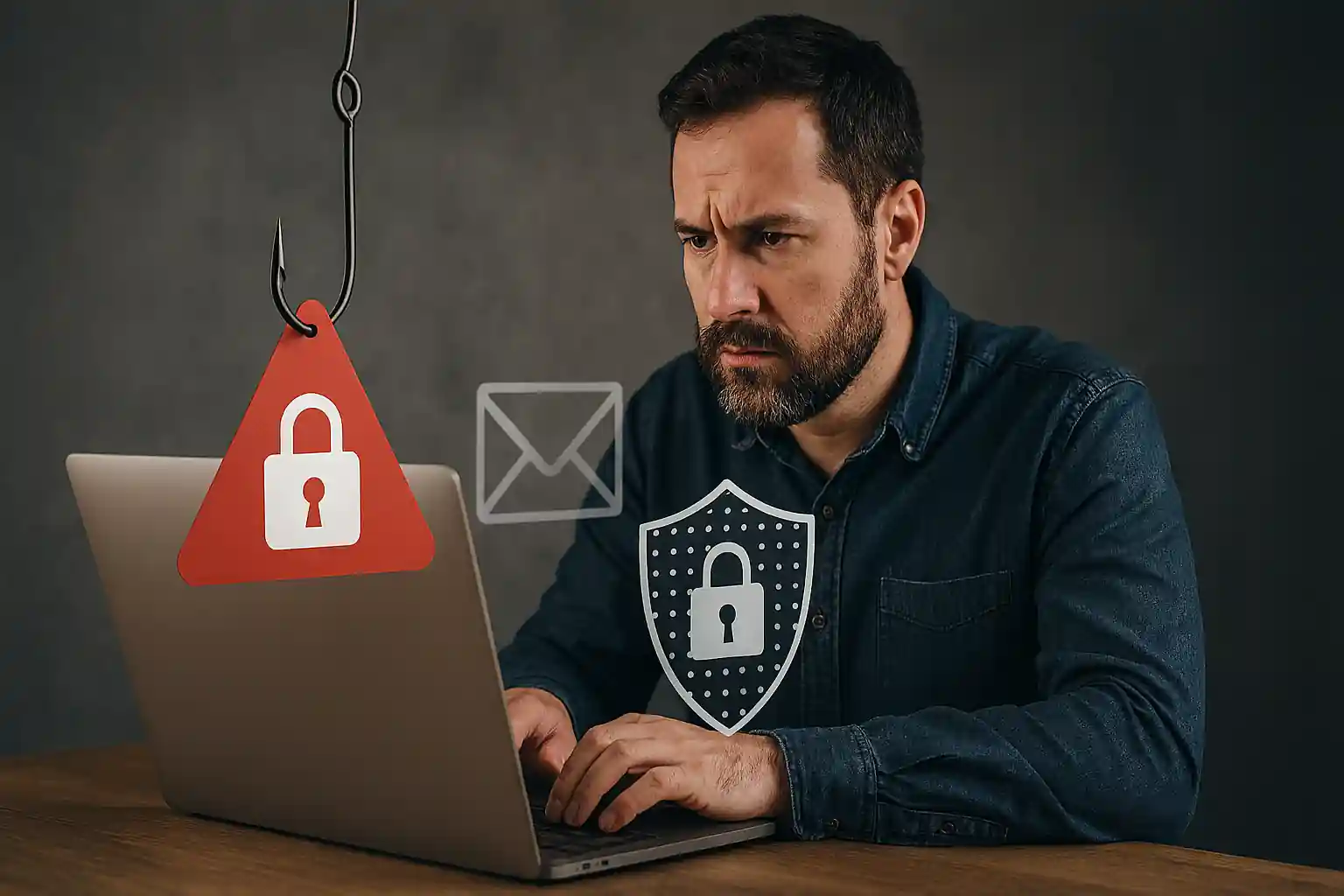
What Is Phishing? The Ultimate Guide to Every Phishing Scam, Phishing Attack, and How to Protect Yourself from Phishing
In today’s hyper-connected world, one question continues to dominate the cybersecurity conversation: what is phishing?
If you’ve ever received suspicious fake emails, an alarming text message, or a notification urging you to “click a link immediately,” you’ve likely encountered a phishing attempt. Phishing is no longer a minor online nuisance — it is a massive global scam industry powered by organized phishing gangs, advanced phishing kits, and constantly evolving attack methods.
At mail experts, we specialize in helping individuals and organizations detect phishing, prevent phishing, and defend against phishing before damage occurs. Whether you’re a business owner, IT manager, or everyday email user, this comprehensive guide will explain everything you need to know about phishing, phishing attacks, phishing scams, and how phishing protection works.
If you want professional, enterprise-grade protection right now, explore our dedicated phishing protection service here:
👉 https://mailexperts.io/services/phishing-protection/
You can also read our related deep-dive article here:
👉 https://mailexperts.io/what-is-phishing-scam/
Let’s start at the beginning.
What Is Phishing?
Phishing is a type of social engineering attack designed to trick victims into revealing sensitive information such as passwords, account numbers, personal information, and other sensitive data.
A phishing attack typically arrives in the form of a phishing email, text message, or voice phishing call. The attacker impersonates a trusted entity — such as a bank, government agency, colleague, or popular brand — to create a sense of urgency. The goal is simple:
-
Steal credentials (credential phishing)
-
Access financial data
-
Conduct business email compromise
-
Launch further phishing campaigns
-
Install malware via a malicious link
Phishing is similar to vishing (voice phishing), but phishing often uses email and text messaging as its primary delivery channels.
What Is a Scam?
A scam is any deceptive practice designed to steal money or information. A phishing scam is a specific form of scam that uses digital communication to manipulate victims.
While scams have existed for centuries, phishing has evolved dramatically with the growth of cyber communication. Today’s phishing tactics include sophisticated phishing websites, fake emails that look identical to legitimate ones, and even AI-generated phishing messages.
Phishing is a significant cyber threat because phishing attacks target both individuals and organizations at scale.
What Is a Phishing Attack?
A phishing attack is a coordinated effort to deceive victims into performing an action that benefits attackers.
Phishing attacks are typically executed through:
-
Email phishing
-
SMS phishing (smishing)
-
Voice phishing
-
QR code phishing
-
Clone phishing
-
Spear phishing
-
Angler phishing
Phishing attacks include both simple phishing attempts and highly targeted phishing operations designed to infiltrate large organizations.
A successful phishing attack can result in:
-
Data breaches
-
Financial fraud
-
Business email compromise
-
Identity theft
-
Long-term cyber compromise
The number of phishing attacks has surged globally. The number of phishing emails sent daily continues to increase as attackers launch phishing campaigns at unprecedented scale.
What Is a Phishing Scam?
A phishing scam is the execution of phishing techniques to defraud victims.
Common examples of phishing include:
-
Fake login pages
-
Suspicious email alerts about “account suspension”
-
Text message alerts about delivery issues
-
Urgent password reset requests
-
Fake invoices
-
Fraudulent emails from “executives”
Phishing attacks have become increasingly convincing. New phishing techniques now leverage AI, automation, and data scraped from social platforms to conduct targeted phishing.
Protect Yourself from Phishing
Protect yourself from phishing by understanding how phishing works and implementing phishing prevention strategies.
Phishing awareness is your first line of defense.
But awareness alone is not enough. At mail experts, we help reduce the number of phishing emails reaching your inbox through layered email security systems, advanced phishing detection, and real-time threat monitoring.
Learn more about our proactive approach to preventing phishing attacks here:
👉 https://mailexperts.io/services/phishing-protection/
Phishing: How It Works
Phishing Work Explained
How does phishing work?
-
Attackers gather information for spear phishing.
-
They conduct phishing campaigns using email addresses harvested from data leaks.
-
They create fraudulent emails or phishing websites.
-
They embed phishing links or malicious link payloads.
-
Victims click a link.
-
Sensitive data is captured.
-
Attackers exploit stolen credentials.
Phishing uses psychological manipulation — urgency, fear, authority, curiosity.
Phishing is a type of attack that relies more on human vulnerability than technical exploitation.
Phishing Attack Methods
Phishing attack methods include:
-
Email phishing
-
SMS phishing
-
Voice phishing
-
Spear phishing attack
-
Clone phishing
-
Angler phishing
-
QR code phishing
-
Credential phishing
-
Business email compromise
Many phishing gangs use phishing kits to automate the process. These kits allow criminals to launch phishing attacks at scale.
Types of Phishing Attacks
Simple Phishing
Broad phishing campaign targeting thousands.
Spear Phishing
Highly targeted phishing. A spear phishing attack often uses personal information to increase credibility.
Clone Phishing
Clone phishing replicates legitimate emails but replaces links with malicious link variants.
SMS Phishing (Smishing)
Delivered via text message.
Voice Phishing
Phishing is similar to vishing. Attackers impersonate bank representatives over the phone.
Angler Phishing
Uses social media to respond to customer complaints with fake support accounts.
QR Code Phishing
Victims scan a malicious QR code leading to a phishing website.
Phishing Email: Red Flags
A phishing email often contains:
-
Suspicious email address
-
Grammar mistakes
-
Sense of urgency
-
Requests for password
-
Request for account numbers
-
Malicious link
-
Fake attachments
-
Generic greetings
Red flags of phishing should never be ignored.
Identify a Phishing Attempt
To identify phishing:
-
Check email addresses carefully.
-
Hover over links.
-
Look for suspicious email tone.
-
Verify requests for sensitive information.
-
Check known phishing sites.
-
Confirm through official channels.
Recognize phishing before clicking.
Spot a Phishing Scam
Spot a phishing attempt by asking:
-
Is this unexpected?
-
Does it create urgency?
-
Does it request personal information?
-
Is it asking to click a link?
If yes, report phishing immediately.
Responded to a Phishing Email? What To Do
If you responded to a phishing email:
-
Change your password immediately.
-
Enable multi-factor authentication.
-
Monitor account numbers.
-
Report phishing attempts.
-
Contact IT security.
-
Scan for malware.
-
Monitor for business email compromise.
Act fast. Successful phishing often depends on delayed response.
Report Phishing
Report phishing to:
-
Your IT team
-
Email provider
-
Government cyber authorities
Reporting phishing helps reduce the number of phishing attacks targeting others.
Defend Against Phishing
To defend against phishing:
-
Use email security tools.
-
Enable phishing detection software.
-
Conduct simulated phishing exercises.
-
Increase phishing awareness.
-
Train employees.
-
Monitor for phishing links.
-
Block known phishing sites.
At mail experts, we provide layered phishing protection to combat phishing at every stage.
Phishing Prevention for Businesses
Phishing prevention includes:
-
Secure email gateways
-
Advanced phishing detection
-
AI-driven monitoring
-
Employee training
-
Simulated phishing drills
-
Filtering fraudulent emails
-
Blocking malicious link behavior
Phishing attacks target organizations daily. Preventing phishing attacks requires continuous monitoring.
Phishing Awareness: Your Human Firewall
Phishing awareness reduces the risk of successful phishing.
Employees must recognize phishing tactics including:
-
Fake emails
-
Suspicious email domains
-
Email and text messaging scams
-
Voice phishing attempts
-
Credential phishing pages
Combat phishing by educating every employee.
AI Is Revolutionizing Phishing Detection
AI is revolutionizing phishing detection.
Modern phishing detection systems:
-
Analyze email behavior
-
Detect new phishing techniques
-
Monitor trends in phishing
-
Identify suspicious patterns
-
Block phishing links in real time
Phishing has evolved — so must your defenses.
Trends in Phishing
Latest phishing trends include:
-
AI-generated phishing messages
-
Targeted phishing campaigns
-
Deepfake voice phishing
-
QR code phishing
-
Phishing gangs scaling globally
-
Business email compromise growth
-
Increased number of phishing emails
Phishing attacks have become increasingly sophisticated.
Phishing Is a Significant Cyber Threat
Phishing is a significant cyber risk because:
-
It is scalable.
-
It is profitable.
-
It exploits human trust.
-
It requires minimal technical skill.
-
It causes financial damage.
-
It leads to data breaches.
Phishing attacks target individuals, SMBs, enterprises, and governments.
Common Phishing Attack Methods Used Today
Attack methods include:
-
Impersonation emails
-
Fake login portals
-
Malicious attachments
-
Compromised vendor accounts
-
Conduct phishing through compromised domains
-
Launch phishing using phishing kits
Phishing Detection: Advanced Security Matters
Detect phishing before damage happens.
At mail experts, our phishing detection systems:
-
Scan inbound email phishing attempts
-
Detect suspicious email patterns
-
Analyze phishing website signatures
-
Block phishing messages
-
Reduce the number of phishing reaching inboxes
Learn more here:
👉 https://mailexperts.io/services/phishing-protection/
Prevent Phishing with Mail Experts
Prevent phishing before it becomes a successful phishing attack.
Our services include:
-
Advanced phishing protection
-
Real-time threat intelligence
-
Blocking fraudulent emails
-
Monitoring business email compromise
-
Preventing phishing attacks proactively
-
Phishing awareness programs
-
Organization-wide protection
We help protect your organization from phishing threats of all types.
Why Choose Mail Experts?
Because phishing is a type of cyber threat that requires proactive defense.
We:
-
Detect phishing early.
-
Reduce the number of phishing emails.
-
Block phishing links.
-
Identify phishing attempts.
-
Defend against phishing campaigns.
-
Protect sensitive information.
-
Protect sensitive data.
-
Secure email addresses.
-
Prevent business email compromise.
-
Monitor latest phishing tactics.
Final Thoughts: What Is Phishing and Why It Matters
So, what is phishing?
Phishing is a type of social engineering attack designed to steal sensitive information using deceptive communication.
Phishing attacks are typically disguised as legitimate messages.
Phishing uses psychological tactics.
Phishing has evolved.
Phishing is a significant threat.
Phishing attacks target everyone.
The number of phishing campaigns continues to grow.
But successful phishing is preventable.
With the right phishing protection, phishing detection, phishing awareness, and phishing prevention strategies, you can defend against phishing and protect yourself from phishing.
If you’re ready to combat phishing effectively, trust mail experts to secure your digital communication.
👉 Start protecting your business now:
https://mailexperts.io/services/phishing-protection/
👉 Read more about phishing scams here:
https://mailexperts.io/what-is-phishing-scam/
Phishing doesn’t have to win.
With mail experts, you stay protected.