
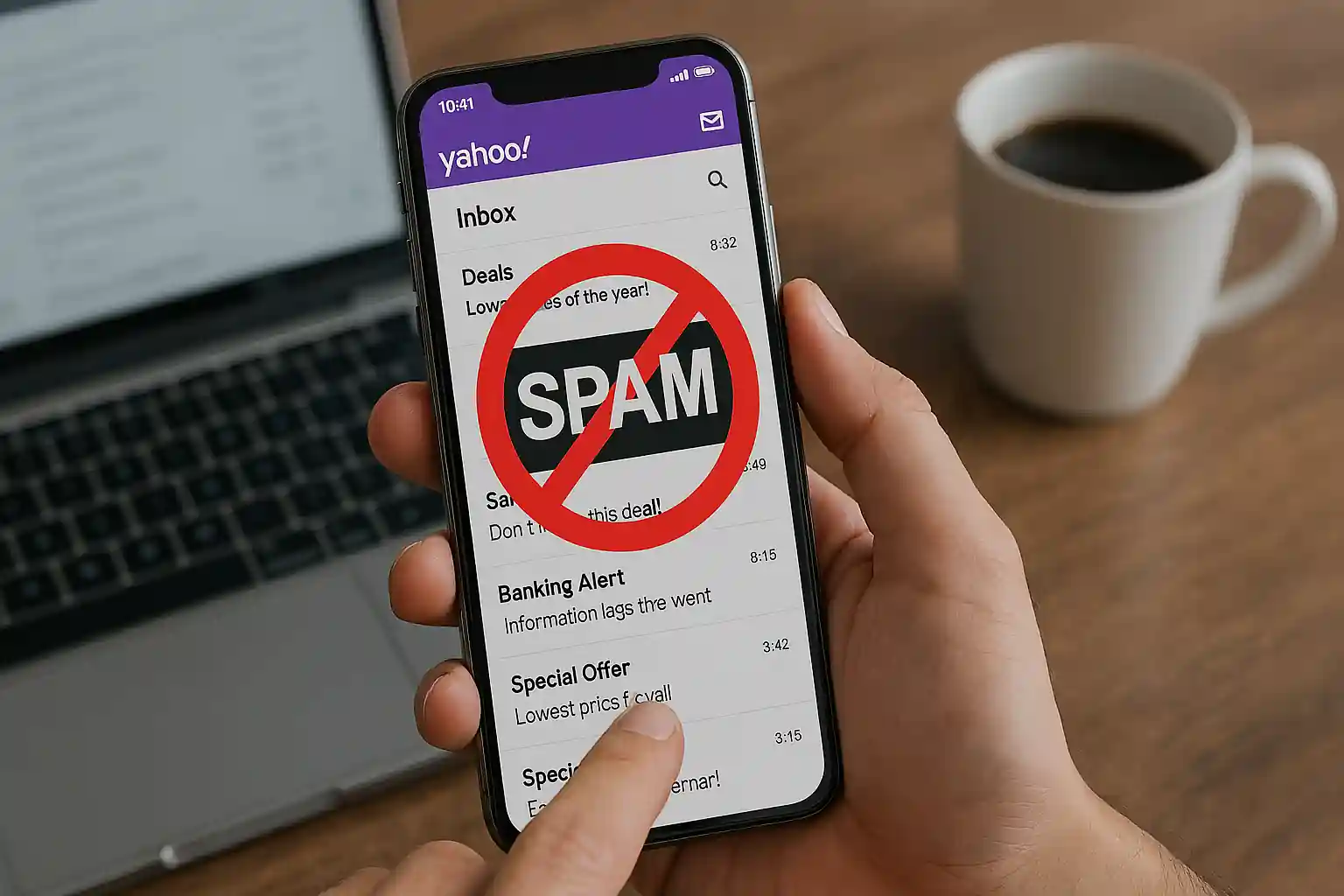
How Do I Stop Spam Emails on Yahoo? The Complete Guide by Mail Experts
If you’re constantly asking how do I stop spam emails on Yahoo, you’re not alone. Every day, millions of users of Yahoo struggle with spam email, junk mail, phishing attempts, and unwanted email cluttering their inbox.
At Mail Experts, we specialize in helping individuals and businesses eliminate spam, protect their email addresses, and optimize their Yahoo Mail experience. This comprehensive guide will walk you step-by-step through proven strategies to stop spam, manage spam and mailing lists, and make Yahoo Mail even better at recognizing future spam emails.
If you want to keep only the emails you want in your inbox, improve your spam filter performance, and prevent spammers from targeting your Yahoo email account — this guide is built for you.
Understanding Yahoo Spam and Mail Security
Spam is more than just annoying junk mail. It’s a serious cybersecurity risk. Spam email often contains:
-
Phishing links
-
Malware attachments
-
Fake promotions
-
Sites that claim to remove your email from spam lists
-
Third-party spam from external mail sources
Whether you’re using the Yahoo Mail app, a mail app on mobile, or a third-party mail client, spam messages can slip into your inbox if not managed correctly.
What Is Spam in Yahoo Mail?
In Yahoo Mail, spam refers to unsolicited bulk email, promotional mailing list messages, or malicious content sent by spammers.
These messages often:
-
Come from unknown sender addresses
-
Pretend to be trusted brands
-
Claim to remove your email from spam lists
-
Offer fake unsubscribe options
-
Attempt to collect sensitive information
Yahoo spam filters automatically detect many spam messages, but not all emails are caught by our spam filters. That’s why it’s important to mark the email as spam manually when needed.
Why Am I Receiving Emails I Didn’t Sign Up For?
If you’ve been using Yahoo for years and suddenly see a surge in spam email, here’s why:
-
You sign up with sites that sell your domain data
-
Your email addresses in Yahoo were exposed in a data breach
-
You subscribed to a mailing list and forgot to unsubscribe
-
Spammers use bots to generate email addresses
-
Third-party external mail platforms share your information
The more you use your Yahoo account online, the higher the chance of receiving emails on Yahoo from unknown senders.
How Do I Stop Spam Emails on Yahoo Mail? (Step-by-Step)
Now let’s answer the main question: how do I stop spam emails on Yahoo?
Below are practical methods that work immediately.
1. Mark Emails as Spam in Yahoo
One of the most powerful actions you can take is marking it as spam.
How to Mark a Message as Spam
-
Open your Yahoo Mail inbox.
-
Open the email you want to report.
-
Click the option at the top labeled “Spam.”
-
Mark a message as spam.
When you mark emails as spam, Yahoo’s spam filter learns and becomes even better at recognizing future spam emails.
This helps:
-
Block future emails from the same sender
-
Improve recognition of spam messages
-
Reduce incoming mail from similar domains
It’s important to mark the email instead of just deleting it. Deleting does nothing to train Yahoo spam detection.
2. Block Email Addresses in Yahoo
If you repeatedly receive unwanted email from a specific sender, blocking email is the next step.
How to Block Email Addresses
-
Open your Yahoo email account.
-
Click Settings.
-
Go to Security & Privacy.
-
Select “Blocked addresses.”
-
Add the address to your blocked list.
-
Click Save.
When you block email addresses, future emails from that sender go directly to your spam folder.
If you want to block messages from a specific domain, you can add the full domain as well.
3. Use Yahoo Mail Filters
Creating a mail filter is one of the best ways to manage spam and mailing lists.
How to Create a Mail Filter
-
Open your Yahoo account.
-
Go to Settings.
-
Click Filters.
-
Add a new filter.
-
Choose conditions (sender, keywords, domain).
-
Choose destination folder (Spam folder or custom folder).
Filters help:
-
Automatically move incoming emails
-
Manage your inbox by managing the ones you receive
-
Keep only the emails you want in your inbox
-
Reduce unwanted email
This works especially well for recurring mailing list messages.
Managing Mailing Lists and Unsubscribe Options
Many spam complaints are actually mailing list subscriptions.
Should You Unsubscribe or Mark as Spam?
If the message is from a legitimate company:
-
Look for the link at the bottom.
-
You’ll often be given the option to unsubscribe.
-
Use the option to unsubscribe rather than marking it as spam.
However:
-
If the email looks suspicious
-
If it’s from unknown senders
-
If it claims to remove your email instantly
Do NOT click the unsubscribe link.
Some spam messages use fake unsubscribe buttons to confirm your email is active.
Instead:
-
Mark the email as spam
-
Block email addresses
-
Avoid interacting
Manage Spam and Mailing Lists Effectively
How to Manage Spam and Mailing Lists Like a Pro
To manage spam and mailing lists efficiently:
-
Regularly check your spam folder
-
Mark false positives as “Not Spam”
-
Block repeat offenders
-
Create mail filter rules
-
Avoid signing up with sites unnecessarily
-
Use separate email addresses for subscriptions
The goal is to maintain control of emails in Yahoo and protect your inbox.
Using the Yahoo Mail App to Stop Spam
If you’re using the Yahoo Mail app:
Steps to Mark Spam in the Yahoo Mail App
-
Open the Yahoo Mail app.
-
Select the unwanted email.
-
Tap the three-dot menu.
-
Choose “Mark as Spam.”
The Yahoo Mail app syncs with your Yahoo email account settings. So changes apply across devices.
Improve Yahoo Spam Protection with Advanced Filtering
Yahoo Mail is powerful, but businesses often need stronger spam protection.
At Mail Experts, we provide enterprise-level filtering through our premium service.
👉 Upgrade your spam protection here:
https://mailexperts.io/services/best-email-spam-filter/
Our advanced spam filter solutions:
-
Stop spam before it hits Yahoo
-
Block third-party spam
-
Protect against phishing
-
Prevent domain spoofing
-
Clean up spam messages automatically
-
Improve inbox accuracy
If you’re serious about stopping spam email permanently, this is the fastest solution.
Understanding the Spam Folder in Yahoo
The spam folder automatically stores:
-
Emails marked as spam
-
Messages caught by Yahoo spam detection
-
Suspicious incoming emails
You should:
-
Review occasionally
-
Remove legitimate email from spam
-
Train Yahoo mail even better at recognizing safe messages
When you remove your email from spam incorrectly, Yahoo learns from it.
Blocking Spam vs Filtering Spam
There’s a difference:
| Blocking Email | Filtering |
|---|---|
| Stops specific sender | Organizes messages |
| Adds address to blocked list | Uses conditions |
| Good for repeat spammer | Good for mailing list |
Using both methods creates stronger spam control.
What If Spam Keeps Coming Back?
If you’ve tried everything and still ask, “how do I stop spam emails on Yahoo,” you may have a compromised Yahoo account.
Signs of Compromise
-
Sudden spike in spam
-
Sending emails you didn’t write
-
Password change alerts
-
External mail login notifications
What to Do
-
Change password immediately
-
Enable two-factor authentication
-
Review account recovery settings
-
Check third-party mail client connections
If spam is persistent, professional filtering may be required.
Common Mistakes That Increase Yahoo Spam
Avoid these:
-
Clicking suspicious unsubscribe links
-
Replying to spam messages
-
Signing up with sites using your primary Yahoo email account
-
Ignoring phishing emails
-
Not marking spam messages
Always mark emails as spam instead of deleting.
Yahoo Help Resources
If you need official assistance, visit Yahoo Help inside your account dashboard.
Yahoo help can guide you through:
-
Blocking email
-
Managing email addresses in Yahoo
-
Recovering compromised accounts
-
Reporting spam email
How Mail Experts Makes Yahoo Mail Even Better
We don’t just help you stop spam — we optimize your entire mail ecosystem.
At Mail Experts, we:
-
Clean spam lists
-
Remove your email from spam lists safely
-
Monitor your domain reputation
-
Prevent external mail spoofing
-
Improve inbox placement
-
Protect against third-party spam
We make mail even better at recognizing future spam.
Learn What Spam Really Means
Before solving spam issues, it helps to understand what spam actually stands for.
Read our detailed guide here:
https://mailexperts.io/what-does-spam-stand-for/
This article explains:
-
The origin of spam
-
Types of spam messages
-
How spam filters work
-
Why you’re receiving emails
-
How to protect your Yahoo email account
Understanding spam helps you stop spam effectively.
Frequently Asked Questions
Why does Yahoo Mail allow spam into my inbox?
No spam filter is perfect. Some emails slip through if they resemble legitimate mail.
Should I always unsubscribe?
Only from trusted mailing list senders. Never from suspicious spam messages.
Does blocking email permanently stop it?
Yes, from that sender. But spammers may use new email addresses.
Can I prevent future spam completely?
Yes — with advanced filtering, smart habits, and professional spam filter services.
Final Checklist to Stop Spam Emails on Yahoo
✔ Mark emails as spam
✔ Block email addresses
✔ Create mail filter rules
✔ Manage spam and mailing lists
✔ Avoid third-party external mail signups
✔ Secure your Yahoo account
✔ Upgrade to advanced spam filter protection
Ready to Stop Spam for Good?
If you’re tired of asking how do I stop spam emails on Yahoo, it’s time to take control.
Mail Experts offers professional-grade spam protection that:
-
Protects your inbox
-
Blocks unwanted email
-
Stops junk mail
-
Secures your domain
-
Eliminates spam messages
-
Keeps only the emails you want in your inbox
👉 Get the best protection now:
https://mailexperts.io/services/best-email-spam-filter/
Your inbox deserves better. Let Mail Experts make Yahoo Mail even better for you.