
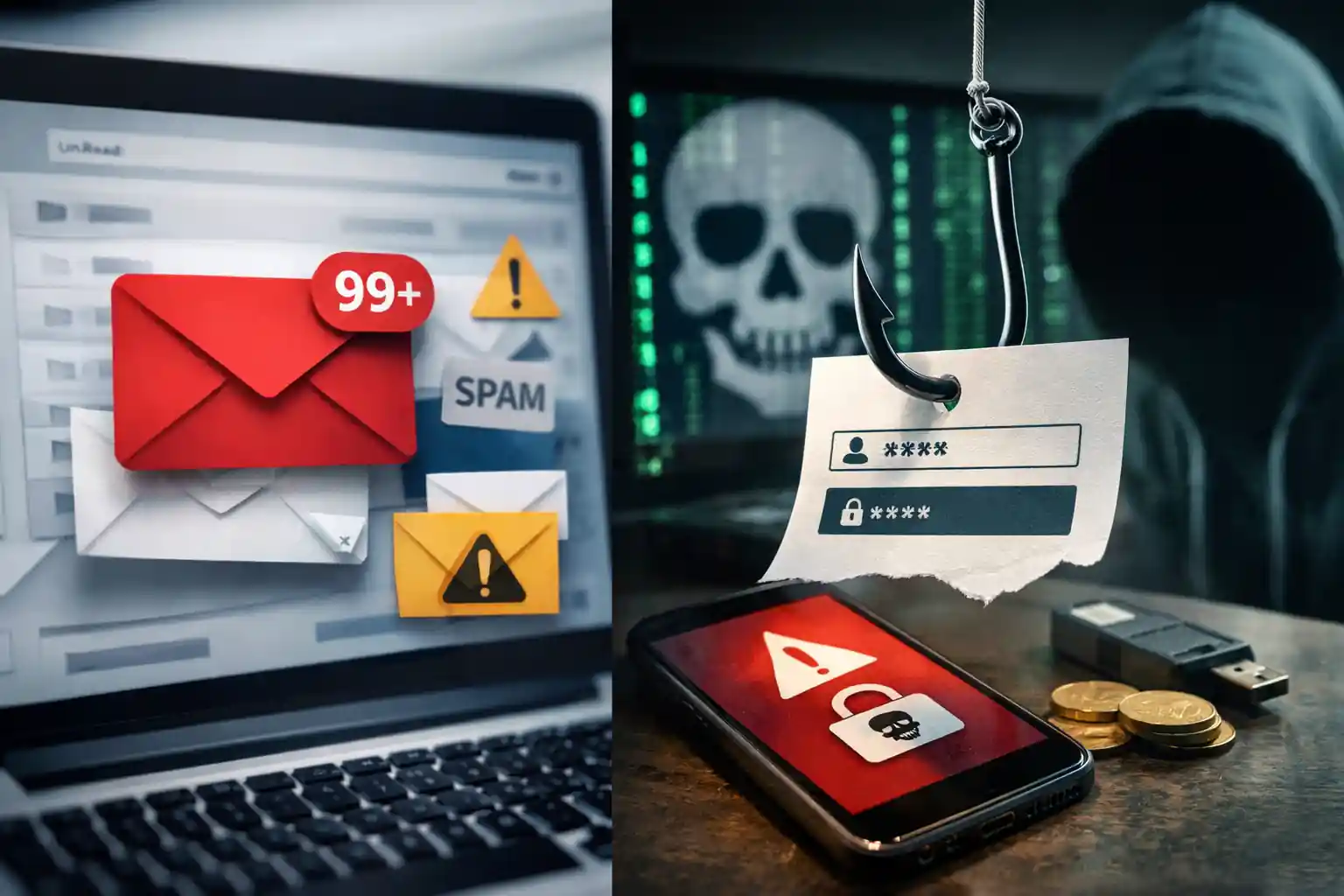
Difference Between Spam, Phishing, and Malware Emails
Understanding the difference between spam, phishing, and malware emails is a critical part of modern cybersecurity. Email remains the most common communication channel for businesses and individuals, but it is also the primary delivery method for spam email, phishing scam, and malware attacks. Learning the difference helps you protect sensitive information, reduce risk, and strengthen overall email security.
This informational guide is designed to help you with learning the difference between these major email threats, explain how spam and phishing emails work, and clarify what’s the difference between a harmless unwanted message and a dangerous phishing attack or malicious malware delivery.
Throughout this page, you will also learn how professional email filtering, spam filtering, and advanced cybersecurity controls—such as those provided by https://mailexperts.io—create an additional layer of security against evolving threats.
Cybersecurity and Modern Email Threats
Email-based attacks sit at the center of today’s cybersecurity landscape. Attackers use social engineering, deception, and automation to send unsolicited emails that trick users into clicking links, revealing personal information, or installing malware.
Organizations now face a mix of spam and phishing attacks, ransomware campaigns, and credential theft attempts. Understanding how spam vs phishing vs malware differ is essential to building a secure email strategy and deciding when to use tools like spam filters, phishing protection, and malware detection.
Learn more about common risks in this guide on email security risks: https://mailexperts.io/cybersecurity-threats-top-email-security-risks/
Spam Email, Phishing, and Malware: What’s the Difference?
At a high level, spam email, phishing email, and malware emails are all unwanted messages—but their intent and level of danger vary significantly.
- Spam email is usually commercial, sent in bulk, and often annoying but not always dangerous.
- Phishing email is a scam designed to steal sensitive information like passwords, login credentials, or credit card details.
- Malware emails deliver malicious files or links that install malware on your device or network.
Understanding the difference between phishing, spam, and malware allows you to respond correctly and protect yourself from spam and cybercrime.
Spam and Phishing: Why People Confuse Them
Many users confuse spam and phishing because both arrive as unsolicited emails. However, the difference between spam and phishing lies in intent.
Spam is often sent to advertise products or services, while phishing emails often impersonate trusted brands or individuals to trick you into revealing personal information like passwords.
Knowing the difference between spam and phishing helps you decide whether to simply unsubscribe, block the sender, or immediately report the email.
What Is a Spam Email?
A spam email is an unwanted message, usually sent out in bulk to thousands or millions of email addresses. These messages are also known as junk email or email spam.
Key Characteristics of Spam Email
- Unsolicited and often sent in bulk
- Promotes products or services
- May include misleading subject lines
- Often safe but sometimes links to low-quality or fraudulent sites
While spam emails are unwanted, they are not always malicious. However, receiving more spam can signal that your email address is active, increasing future risk.
Learn more about why spam matters to businesses here: https://mailexperts.io/spam-filter-spam-protection-why-your-business-needs-it/
Receive a Spam: What Should You Do?
When you receive a spam, best practices include:
- Do not click suspicious links
- Avoid downloading attachments
- Use spam filters and email filtering
- Block the sender and manage spam settings
Using professional email spam protection such as https://mailexperts.io/email-spam-protection/ helps reduce unwanted messages sent to your inbox.
What Is a Phishing Email?
A phishing email is a type of phishing scam designed to steal sensitive data. Unlike spam, phishing is intentionally deceptive and dangerous.
Phishing Attack Explained
A phishing attack uses social engineering to manipulate victims into:
- Clicking a link
- Entering login credentials
- Providing personal information
- Revealing sensitive information such as a social security number or credit card details
These emails often create a sense of urgency, warning of account suspension or suspicious activity.
Read a detailed guide on recognizing phishing here: https://mailexperts.io/how-to-recognize-and-avoid-phishing-phishing-email-scam/
Types of Phishing Attacks
Spear Phishing Attacks
Spear phishing targets specific individuals or organizations. These phishing attempts often use personal details to appear legitimate and trustworthy.
Vishing and Other Forms of Phishing
- Vishing: voice-based phishing
- Smishing: SMS-based phishing
- Email-based phishing messages remain the most common
Each type of phishing attack aims to steal sensitive information or compromise accounts.
Spam vs Phishing: A Clear Comparison
Understanding spam vs phishing is essential for learning the difference.
- Spam: mass advertising, low risk, annoying
- Phishing: targeted deception, high risk, leads to fraud
When deciding spam or phishing, ask:
- Is the email asking for personal information?
- Does it request information like passwords?
- Does it pressure you to act immediately?
If yes, it is likely a phishing email.
What Is Malware in Email?
Malware refers to malicious software delivered via email attachments or links. These emails may appear as spam or phishing but have a more destructive goal.
How Malware Emails Work
- Attachments install malware when opened
- Links download malicious payloads
- Can lead to ransomware, spyware, or data theft
Advanced email security solutions like https://mailexperts.io/malware-ransomware-email-protection/ detect and block these threats.
Spam and Phishing Emails vs Malware Emails
While spam and phishing emails focus on deception, malware emails focus on infection.
- Spam: advertising
- Phishing: stealing credentials
- Malware: damaging systems and stealing data
All three fall under modern cyber and email threats.
Protect Yourself From Spam, Phishing, and Malware
Use Spam Filters and Email Filtering
Effective spam filtering and email filtering stop bulk emails and spam messages before they reach users.
Layer of Security With Phishing Protection
Dedicated phishing protection like https://mailexperts.io/phishing-protection/ detects deceptive phishing and phishing scam attempts.
Secure Email With Business-Grade Protection
Enterprise-grade secure email solutions such as https://mailexperts.io/business-email-security/ provide an additional layer of security through threat intelligence and behavior analysis.
Learn More About Spam and Email Safety
If you want to learn more about spam, managing inbox risk, and how to receive fewer spam messages, read:
https://mailexperts.io/stop-spam-emails-reduce-spam-in-your-business-email-inbox/
What’s the Difference Between Spam, Phishing, and Malware?
So, what’s the difference?
- Spam: unwanted bulk emails
- Phishing: fraudulent attempts to steal information
- Malware: malicious software delivery
Although phishing and spam are two different categories, both can act as gateways for malware if not properly filtered.
Final Thoughts on Email Security and Cybersecurity
Understanding the difference between spam and phishing, recognizing a phishing email, and identifying malware threats are essential skills in today’s cybersecurity environment.
By using advanced email security, spam filters, and phishing protection, businesses and individuals can significantly reduce risk, protect sensitive information, and stay ahead of evolving email threats.
To strengthen your defenses, explore comprehensive solutions at https://mailexperts.io and build a safer, more resilient email environment.