
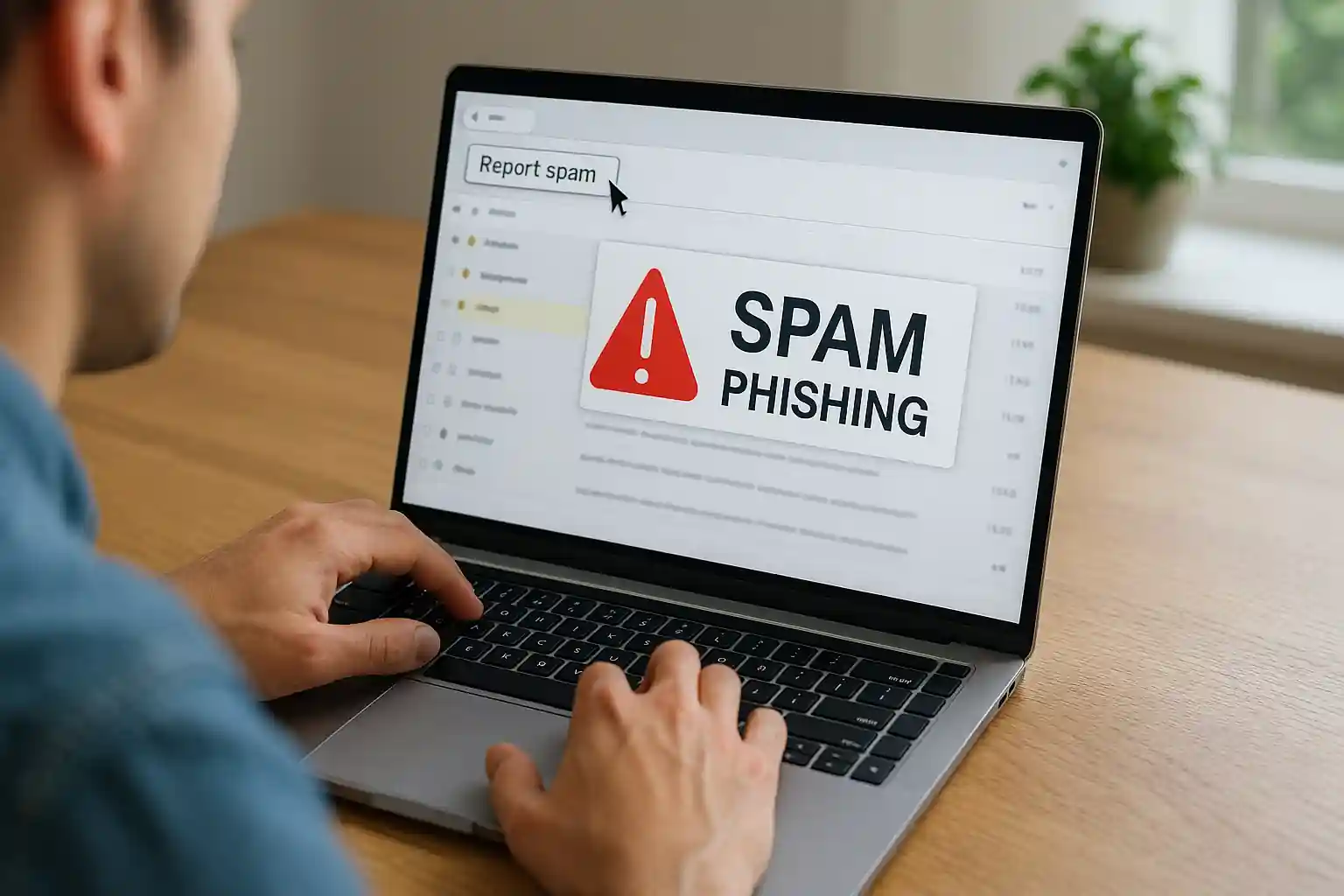
How to Report Spam Email, Phishing Email & Online Scam Messages | Mail Experts
Are you searching for how to report spam email the right way? Have you received a suspicious message asking you to click a link, verify your bank account, or share personal information?
At Mail Experts, we specialize in helping individuals and businesses report spam, report phishing, and stop online fraud before it causes real damage. This comprehensive guide explains:
-
How to report spam email in Gmail, Outlook, and other platforms
-
How to report phishing email attempts
-
How to report fraud to the Federal Trade Commission (FTC)
-
How to protect your email account from future threats
-
When to contact law enforcement authorities
If you’re serious about email security and want to protect users from spam and abuse, you’re in the right place.
Why Learning How to Report Spam Email Is Critical for Email Security
Every day, millions of people receive spam, phishing email attacks, and scam messages designed to steal sensitive information.
A malicious email may:
-
Impersonate your bank
-
Pretend to be Microsoft Outlook support
-
Claim to be a delivery alert
-
Ask for password verification
-
Request credit card details
-
Threaten legal action
When you know how to report spam email properly, you:
-
Help protect other users
-
Support cybersecurity investigations
-
Prevent identity theft
-
Reduce unwanted emails in your inbox
-
Strengthen overall online security
Reporting suspicious emails isn’t just about deleting junk mail. It’s about stopping fraud schemes at scale.
What Is Spam Email, Phishing Email, and Online Fraud?
Before we explain how to report spam email, you need to understand the difference between spam, phishing, and scams.
What Is Spam?
Spam is unsolicited email sent in bulk. It may advertise products, fake services, or questionable websites. Spam often lands in your spam folder or junk mail section.
While some spam is just annoying marketing, other spam emails contain malicious links or downloads.
What Is a Phishing Email?
A phishing email is a fraudulent message designed to:
-
Steal your personal information
-
Trick you into clicking a malicious URL
-
Collect your password
-
Gain access to your email account
-
Steal credit card or bank account details
A scammer may impersonate:
-
Your bank
-
A government agency
-
The Federal Trade Commission
-
Microsoft
-
A well-known website
-
A delivery service
Phishing emails often contain urgent language like:
-
“Your account has been suspended”
-
“Immediate verification required”
-
“Click here to secure your account”
-
“Download this attachment”
What Is an Online Scam or Fraud Scheme?
A scam is a broader fraud scheme that may involve:
-
Email
-
Text messages
-
Fake websites
-
Social engineering
Some scams threaten victims. Others impersonate officials. Some pretend to be law enforcement authorities. Many attempt identity theft.
If you’ve lost money, you must report fraud immediately.
How to Report Spam Email in Gmail
If you use Gmail, knowing how to report spam email properly is simple but powerful.
Step-by-Step: Report Spam in Gmail
-
Open the suspicious email message
-
Click the three dots (More options)
-
Select Report spam
When you report spam in Gmail:
-
The message moves to your spam folder
-
Google receives a copy of the email
-
The system investigates patterns
-
It helps protect other users
How to Report Phishing Email in Gmail
If the message is a phishing email:
-
Open the email
-
Click the three dots
-
Select Report phishing
This triggers a security alert and helps Google investigate malicious schemes.
You can also visit Gmail Help for additional instructions on reporting phishing and unwanted emails.
Important Gmail Security Tips
-
Never click a link if it looks suspicious
-
Hover over the URL before clicking
-
Do not download unknown attachments
-
Never share sensitive information
-
Avoid entering your password on non-secure websites
If an email asks for verification of personal information, treat it as suspicious.
How to Report Spam Email in Microsoft Outlook
Many businesses use Microsoft Outlook or Microsoft email accounts.
Here’s how to report spam email in Outlook.
Report Spam in Microsoft Outlook
-
Open the message
-
Click “Report”
-
Choose “Junk” or “Phishing”
When you report an email:
-
It moves to the junk folder
-
Microsoft receives data for cybersecurity analysis
-
It helps protect users from spam and abuse
Report Phishing in Microsoft Outlook
To report phishing:
-
Select the suspicious message
-
Click “Report”
-
Choose “Phishing”
This sends an alert to Microsoft’s security team.
When to Report Fraud to Microsoft
If a scam impersonates Microsoft:
-
Do not click
-
Do not provide your password
-
Do not share sensitive information
-
Report the email immediately
How to Report Spam Email to the Federal Trade Commission (FTC)
If you want to report fraud beyond your email provider, contact the Federal Trade Commission.
The FTC investigates fraud, identity theft, and scam schemes affecting consumers.
How to Report Fraud to the FTC
-
Visit the official website of the Federal Trade Commission
-
File a complaint
-
Provide details
-
Attach a copy of the email
The federal trade commission may investigate patterns of fraud and coordinate with law enforcement authorities.
When Should You Contact Law Enforcement?
You should contact law enforcement authorities if:
-
You lost money
-
Your bank account was compromised
-
Your identity was stolen
-
You shared sensitive information
-
You were threatened
Law enforcement agencies work alongside cybersecurity experts and federal agencies to investigate large-scale fraud.
How to Report Suspicious Emails Correctly
Many people ask: how do I report suspicious emails properly?
Here’s the best approach.
Step 1: Do Not Click Anything
Never click a link in a suspicious message.
Hover over the URL first. If it looks malicious, do not proceed.
Step 2: Do Not Download Attachments
Malicious attachments may:
-
Hack your system
-
Install spyware
-
Steal password data
Step 3: Report the Email
Use your email provider’s built-in reporting tool.
Step 4: Keep a Copy
Save a copy of the email if needed for investigation.
What Happens After You Report Spam or Phishing?
When you report spam email:
-
Providers analyze patterns
-
They investigate malicious sources
-
Domains may be blocked
-
Scammer email address accounts may be shut down
When you report phishing:
-
Security teams review content
-
Fraud schemes are tracked
-
Secure websites are protected
-
Consumers are warned
Reporting helps the entire cybersecurity ecosystem.
Why Businesses Must Go Beyond Just Reporting Spam
Reporting is reactive.
But businesses need proactive spam protection.
At Mail Experts, we specialize in advanced spam filtering solutions that stop unwanted emails before they reach your inbox.
If your business receives frequent phishing email attempts, junk mail, or fraud alerts, it’s time to upgrade your protection.
👉 Explore our professional spam protection solution here:
https://mailexperts.io/services/best-email-spam-filter/
Our system:
-
Filters malicious messages
-
Blocks suspicious domains
-
Prevents phishing schemes
-
Protects sensitive information
-
Secures Microsoft Outlook and Gmail environments
How to Stop Unwanted Emails Permanently
Reporting is step one. Prevention is step two.
For a detailed guide on blocking spam and unwanted emails, read our in-depth resource:
👉 https://mailexperts.io/block-spam-emails/
This guide explains:
-
How to block unwanted senders
-
How to move an email to spam automatically
-
How to reduce junk mail
-
How to protect your email address
Signs of a Suspicious Phishing Email
Look for these red flags:
-
Urgent verification requests
-
Threatening language
-
Requests for credit card details
-
Fake bank account warnings
-
Impersonation of agencies
-
Requests to share sensitive information
-
Poor grammar
-
Strange URL domains
Scammers often impersonate legitimate websites.
Always double-check the official website manually.
Email Reporting for Consumers vs Businesses
For Consumers
Consumers should:
-
Report spam
-
Report phishing
-
Report fraud to FTC
-
Monitor bank account activity
-
Change password immediately
For Businesses
Businesses should:
-
Implement cybersecurity monitoring
-
Train employees
-
Block malicious senders
-
Deploy advanced filtering
-
Help protect users from spam and abuse
Mail Experts provides enterprise-level email security solutions for companies serious about fraud prevention.
How Scammers Steal Sensitive Information
A scammer may:
-
Hack your account
-
Trick you into entering password details
-
Use phishing email links
-
Capture personal information
-
Steal identity credentials
-
Launch identity theft
Many scams begin with a simple click.
That’s why knowing how to report spam email quickly matters.
What If You Clicked a Malicious Link?
If you accidentally click a link:
-
Disconnect from the internet
-
Run a security scan
-
Change your password
-
Contact your bank
-
Report fraud
-
Notify law enforcement authorities if necessary
Quick action can limit damage.
How Email Providers Investigate Reported Emails
When you report the email:
-
Data is analyzed
-
Patterns are identified
-
Scammer infrastructure is tracked
-
Cybersecurity agencies may coordinate
Providers work with agencies to investigate organized schemes.
The Role of Cybersecurity Agencies
Cybersecurity agencies and government authorities monitor fraud activity.
They:
-
Track phishing networks
-
Monitor scam websites
-
Shut down malicious domains
-
Coordinate with federal trade commission
Your report contributes to larger investigations.
Why You Should Never Ignore Spam
Even if it seems harmless, spam:
-
Wastes time
-
Creates risk
-
Encourages fraud
-
Increases exposure
Every report strengthens digital security.
Advanced Email Protection with Mail Experts
If you’re searching for how to report spam email, you’re already aware of the threat.
But reporting alone isn’t enough for growing businesses.
Mail Experts provides:
-
Advanced spam filtering
-
Real-time threat detection
-
Phishing email blocking
-
Fraud prevention tools
-
Microsoft Outlook integration
-
Gmail compatibility
-
Full email security management
Stop relying only on reporting tools.
Implement proactive protection today.
👉 Learn more here:
https://mailexperts.io/services/best-email-spam-filter/
Final Thoughts: Mastering How to Report Spam Email
Learning how to report spam email protects:
-
Your email account
-
Your personal information
-
Your bank account
-
Your credit card
-
Your identity
-
Your business
Always:
-
Report suspicious emails
-
Report phishing attempts
-
Report fraud to the Federal Trade Commission
-
Contact law enforcement when necessary
-
Avoid clicking unknown links
-
Never share sensitive information
And most importantly, upgrade your email security with Mail Experts.
If you’re ready to eliminate spam, prevent phishing, and secure your communication, our team is here to help.
Mail Experts — Protecting Your Inbox from Spam, Phishing & Fraud.