
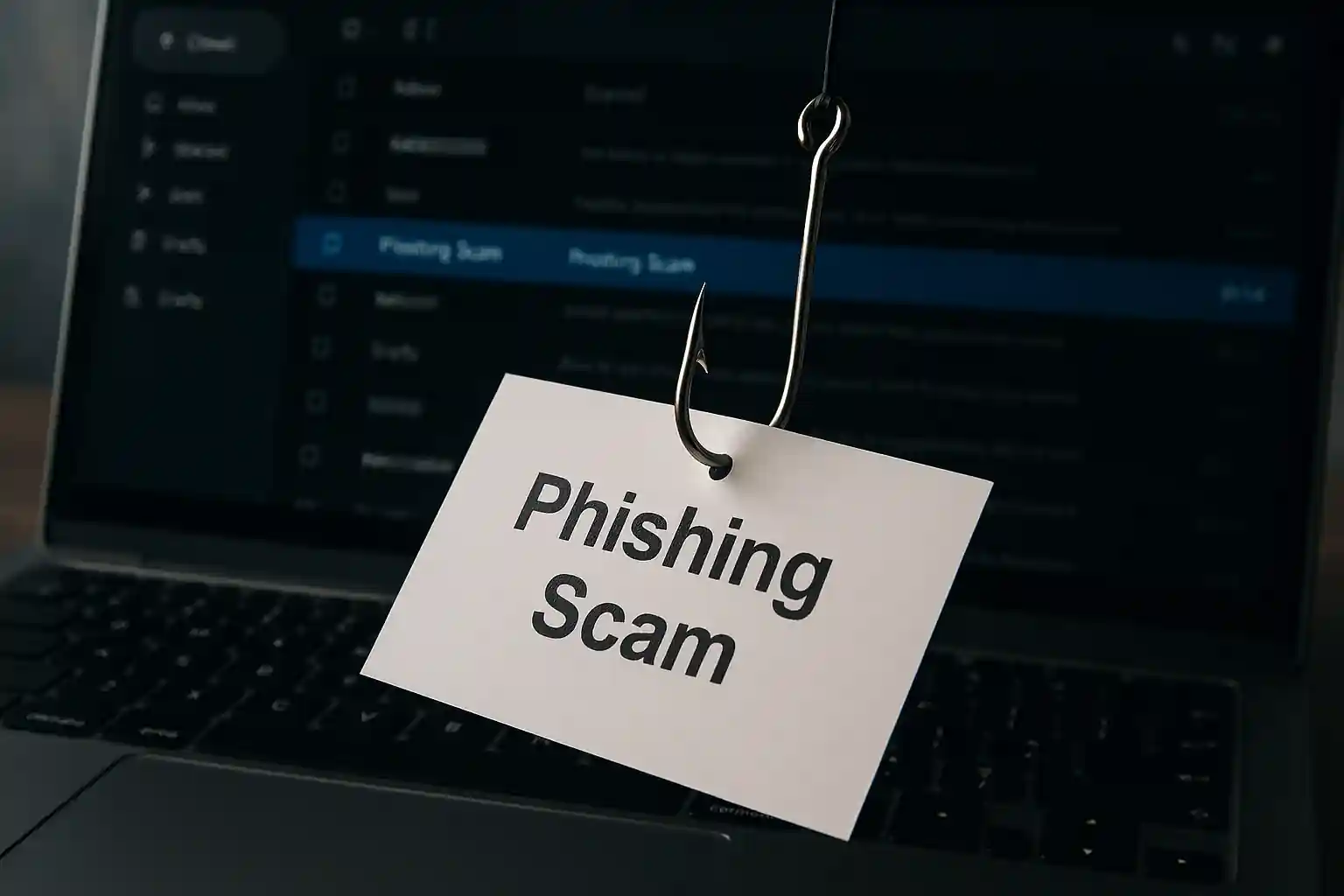
How to Spot a Phishing Email: The Ultimate Guide to Recognize and Avoid Phishing Scams
Welcome to mail experts, your trusted partner in email security and cyber security protection. If you’re searching for how to spot a phishing email, you’re already one step ahead of cybercriminals. This in-depth guide will help you learn how to identify phishing, avoid costly mistakes, and protect your business and personal data from today’s most advanced phishing attack tactics.
Table of Contents
TogglePhishing scams are evolving. Cybercriminals use artificial intelligence, social engineering, and sophisticated phishing methods to trick users into revealing sensitive information. Whether you use Microsoft 365, Gmail, or any other platform, understanding how to identify phishing is no longer optional — it’s essential.
If you want professional-grade protection, explore our dedicated phishing protection service here:
👉 https://mailexperts.io/services/phishing-protection/
You can also strengthen your knowledge by reading our detailed guide:
👉 https://mailexperts.io/what-is-phishing/
Now, let’s break down everything you need to know about how to spot a phishing email and protect yourself from phishing.
Phishing: What It Really Means in Today’s Cyber World
Phishing is a cybercrime tactic designed to steal personal information, login credentials, credit card numbers, and other sensitive information. A phishing email often appears to come from legitimate companies, but it is actually sent by a scammer or hacker attempting to gain unauthorized access to your email account or financial accounts.
A phishing attack may target individuals or businesses. Some phishing campaigns are broad, while others use spear phishing techniques to target a specific person or organization.
Phishing messages are carefully crafted to:
-
Trick users into clicking malicious links
-
Encourage victims to open an attachment
-
Request personal information via email
-
Impersonate a company you know or trust
Understanding phishing is the first step to avoid phishing attacks.
Phishing Email: Why It’s the Most Common Scam
A phishing email is the most widely used scam method in cybercrime. Why? Because billions of people use email daily.
When you receive an email, you typically trust it. Cybercriminals exploit that trust.
Phishing emails often:
-
Appear urgent
-
Pretend to be from legitimate companies
-
Claim your password has expired
-
Ask you to confirm credit card information
-
Include malicious links or attachments
Many phishing messages are designed to steal login credentials or financial data. Some even attempt identity theft by asking for social security numbers.
The goal is always the same: trick you into taking the bait.
Phishing Attack: How Cybercriminals Trick Users
A phishing attack works by manipulating human behavior rather than breaking technical security systems. Cybercriminals send phishing messages that tell a story to trick you.
They may:
-
Send phishing messages pretending to be from Microsoft 365 support
-
Claim suspicious activity on your online payment website or app
-
Impersonate a bank requesting authentication
-
Use a fake phone number for credibility
Modern phishing attacks increasingly use artificial intelligence to craft convincing messages. These messages often tell a story that feels believable and urgent.
The attacker hopes you:
-
Click on a link
-
Hover over the link without noticing the web address
-
Open an attachment
-
Provide credit card information
-
Share login credentials
Scam Tactics Used in Phishing Campaigns
Every phishing scam follows a psychological pattern. Scammers create fear, urgency, or curiosity.
Common scam themes include:
-
“Your account will be suspended.”
-
“Unusual login detected.”
-
“You have won a prize.”
-
“Invoice attached.”
These messages often include malicious links or attachments designed to steal data or install malware.
Some phishing attempts use fake websites that look identical to official websites. When you click on malicious links, you may land on a fraudulent login page designed to steal your credentials.
Spot a Phishing Attempt Before You Get Phished
Learning how to spot a phishing attempt is critical. Many victims get phished simply because they don’t recognize the warning signs.
Signs of a Phishing Email
Here are common signs of phishing:
-
Suspicious sender address
-
Generic greeting
-
Poor grammar
-
Urgent language
-
Request for personal information
-
Unexpected attachment
-
Mismatched web address
-
Messages that claim immediate action is required
If you hover over the link or mouse over the link and see a strange domain name, that’s a red flag.
Phished: What Happens After You Take the Bait?
If you take the bait in a phishing scam:
-
Your password may be compromised
-
Your email account may be hijacked
-
Your credit card numbers may be stolen
-
Your sensitive information could be sold
-
You could become a victim of identity theft
Successful phishing attacks often lead to further cybercrime.
Once phished, attackers may:
-
Send phishing emails from your account
-
Use your credentials to access corporate systems
-
Launch additional phishing campaigns
Phishing Message: Understanding the Anatomy
A phishing message typically includes:
-
A fake sender pretending to be a legitimate person or organization
-
A sense of urgency
-
A phishing link
-
An attachment
-
Instructions to click on malicious links
Before you click on a link or open an attachment, stop and verify.
Attachment: The Hidden Threat
Opening an attachment in a phishing email can install malicious software.
Never:
-
Open an attachment you weren’t expecting
-
Click on links or attachments from suspicious emails
-
Download files from unknown senders
Always verify the message you have received by contacting the company through its official website.
Avoid Phishing: Proven Ways to Protect Yourself
To avoid phishing:
-
Use multi-factor authentication
-
Enable spam filters
-
Verify the sender
-
Hover over the link before clicking
-
Never share personal information via email
-
Use anti-phishing tools
-
Keep your email security updated
Businesses should implement domain-based message authentication to prevent attackers from spoofing their domain.
Spot a Phishing Email Using These Expert Techniques
When you get an email:
-
Examine the sender address carefully.
-
Hover over the link to inspect the web address.
-
Check for spelling mistakes.
-
Verify requests for sensitive information.
-
Contact the company you know or trust directly.
If something feels off, it probably is.
Report Phishing Immediately
If you identify phishing:
-
Report phishing to your email provider
-
Report suspicious communications to your IT team
-
Do not reply to the suspicious message
-
Do not click malicious links
Reporting phishing helps prevent others from getting phished.
Phishing Scams Are Evolving With Artificial Intelligence
Artificial intelligence allows scammers to:
-
Personalize phishing messages
-
Mimic writing styles
-
Create convincing fake websites
-
Send phishing at scale
Cyber security defenses must evolve too.
Text Message Phishing (Smishing)
Phishing isn’t limited to email. You may receive a text message asking you to click on a link or provide personal information.
Text message phishing often uses:
-
Fake delivery notifications
-
Fraudulent banking alerts
-
Urgent account warnings
Always verify using a trusted phone number or official website.
Protect Yourself From Phishing in Microsoft 365 and Beyond
If you use Microsoft 365:
-
Enable multi-factor authentication
-
Use built-in anti-phishing protection
-
Educate employees
-
Monitor suspicious emails
Organizations must train staff to recognize and avoid phishing attempts.
Cyber Security Best Practices to Identify Phishing
Modern cyber security requires awareness and tools.
Ways to protect your organization:
-
Conduct phishing simulations
-
Implement anti-phishing solutions
-
Enforce authentication protocols
-
Monitor phishing campaigns
-
Use domain-based message authentication
Identify a Phishing Attack Before It Causes Damage
To identify a phishing attack:
-
Analyze message headers
-
Look for mismatched domains
-
Inspect links or attachments
-
Check for suspicious language
Never trust a message that requests sensitive information urgently.
Sensitive Information: What Phishers Want Most
Phishers target:
-
Password
-
Credit card
-
Social security numbers
-
Credit card numbers
-
Login credentials
-
Personal information
Never share sensitive information via email.
Identify a Phishing Attempt Using Behavioral Clues
Phishing messages often:
-
Tell a story to trick you
-
Pretend to be a company you know or trust
-
Ask you to click on malicious links
-
Encourage you to open an attachment
These messages are designed to steal your data.
Take the Bait? Here’s How to Recover
If you clicked a phishing link:
-
Change your password immediately
-
Enable multi-factor authentication
-
Scan your system
-
Monitor credit card information
-
Contact your bank
Act fast to limit damage.
Signs of a Phishing Email You Should Never Ignore
-
Unexpected requests
-
Suspicious message tone
-
Fake websites
-
Unusual authentication requests
-
Incorrect web address
If you see a message that looks suspicious, do not interact.
Artificial Intelligence and the Future of Phishing Methods
Artificial intelligence allows cybercriminals to automate phishing campaigns and send phishing emails at scale.
Businesses must upgrade email security and anti-phishing defenses.
Why Businesses Choose mail experts
At mail experts, we specialize in helping organizations recognize and avoid phishing threats.
Our services include:
-
Advanced anti-phishing technology
-
Domain-based message authentication
-
Multi-factor authentication implementation
-
Phishing simulations
-
Cyber security consulting
If you want enterprise-level protection, visit:
👉 https://mailexperts.io/services/phishing-protection/
For a deeper understanding of phishing, read:
👉 https://mailexperts.io/what-is-phishing/
Final Thoughts: Learn How to Identify Phishing Before It’s Too Late
Knowing how to spot a phishing email can protect your finances, your business, and your reputation.
Phishing scams are designed to steal your personal information and sensitive information. They trick users into clicking malicious links or opening attachments.
Do not take the bait.
Recognize the signs of phishing.
Identify phishing attempts early.
Report suspicious communications immediately.
Protect yourself from phishing.
If you’re serious about email security, let mail experts help you stay ahead of cybercriminals.
Your security starts today.