
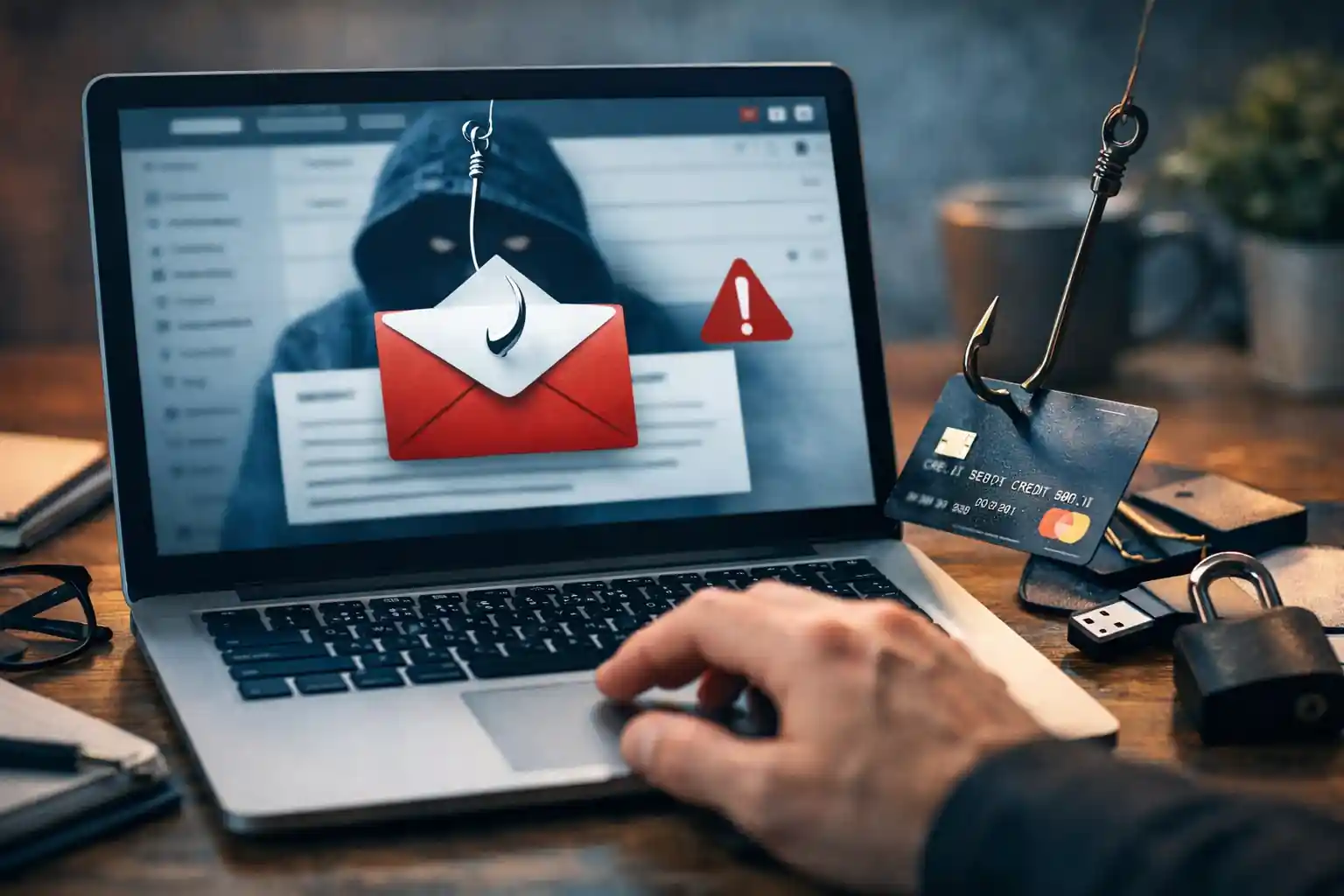
How Phishing Emails Work: Understanding the Modern Phishing Attack, Scam Risks, and How to Avoid Phishing
Phishing remains one of the most common and effective forms of cybercrime. A phishing email is designed to trick people into revealing sensitive information, performing risky actions, or clicking on a malicious link. These scams are no longer obvious or poorly written messages. Modern phishing attacks are sophisticated, targeted, and carefully engineered to appear legitimate.
This informational guide explains how phishing emails work, why phishing attacks remain successful, the many phishing techniques attackers use, and how individuals and businesses can recognize phishing, report phishing, and avoid phishing scams through awareness and strong email security practices.
What Is a Phishing Attack and Why It Matters
A phishing attack is a type of email attack that uses deception as its primary attack vector. Attackers send phishing emails that appear to come from trusted sources, such as banks, cloud services, internal business email systems, or well-known brands.
A phishing scam attempts to:
-
Steal login credentials
-
Capture credit card information or financial information
-
Compromise an email account
-
Gain access to business email systems
-
Launch a business email compromise attack
Phishing attacks target both personal information and business email environments, making them dangerous for individuals and organizations alike.
Phishing has evolved significantly, and phishing emails often appear professional, urgent, and highly convincing.
Understanding the Phishing Email: How a Phishing Scam Begins
A phishing email is an email message crafted to look like a legitimate email. The email may claim to be from a known email service, a colleague, or a trusted company. The goal is to manipulate the recipient into taking action.
Phishing emails often include:
-
A spoofed email address
-
A fake email body that creates urgency
-
A request for sensitive information
-
A link that leads to a malicious website
-
An attachment used in phishing
Many phishing emails are sent as part of large phishing campaigns, while others are highly targeted attacks.
How Phishing Work: The Step-by-Step Process
Step 1: Making Phishing Emails Look Legitimate
Attackers send phishing emails that appear to come from a trusted source. Emails often appear to come from a known business email, a financial institution, or a familiar service.
A spoofed email address may closely resemble a legitimate email address, making it difficult to detect at first glance.
Step 2: Triggering a Phishing Attempt
A phishing attempt relies on psychology. Attack techniques include fear, urgency, authority, or curiosity. A phishing message may warn that an email account is compromised or that immediate action is required.
The email may instruct the recipient to click on a link, download a file, or enter information such as login credentials.
Step 3: Capturing Sensitive Information
Once the user clicks on a link or responds to the phishing communication, information entered—such as account information, personal information, or financial details—is sent directly to the attacker.
A successful phishing attack can lead to identity theft, financial loss, or an attack to compromise internal systems.
Types of Phishing Attacks You Should Know
Common Type of Phishing Attack
The most common type of phishing uses mass email messages sent to many email addresses. Many phishing emails follow similar templates and target a broad audience.
Spear Phishing: Targeted Attacks
Spear phishing is a targeted attack aimed at a specific individual or business email user. These phishing emails include personalized information to increase credibility.
Whaling Attacks
Whaling targets executives or decision-makers. These phishing scam emails focus on high-value targets and often involve financial requests or sensitive business actions.
Clone Phishing
Clone phishing copies a legitimate email previously received and replaces links or attachments with malicious versions.
Angler Phishing and Voice Phishing
Angler phishing occurs on social media platforms, while voice phishing uses phone calls instead of email or text message channels.
Each type of attack uses different phishing techniques but shares the same goal: to trick people.
Email Attack Vectors Used in Phishing Communications
Phishing attacks rely on multiple attack vectors, including:
-
Email phishing
-
Email or text message scams
-
Fake email websites
-
Spoofed email address manipulation
Phishing communications may include links, attachments, or requests for information through email.
Phishing Emails Often Appear Legitimate
Phishing emails often appear professional and convincing. Attackers use:
-
Company logos
-
Real employee names
-
Accurate branding
-
Familiar language
The email looks legitimate, and the body of the email may closely match real communications. Emails often appear to come from internal business email systems, making detection difficult.
Dangers of Phishing for Individuals and Businesses
The dangers of phishing extend beyond simple scams. A phishing attack makes it possible for attackers to:
-
Access sensitive information
-
Compromise email services
-
Steal credit card information
-
Launch ransomware or malware attacks
-
Initiate business email compromise
Phishing remains one of the most effective methods for launching larger cybersecurity incidents.
For a deeper understanding of related risks, see:
👉 https://mailexperts.io/cybersecurity-threats-top-email-security-risks/
Phishing Attack Methods and Modern Phishing Techniques
Modern phishing attacks are no longer basic scams. Sophisticated phishing uses:
-
Advanced spoofing
-
Social engineering
-
Email filters evasion
-
Targeted attacks
Phishing attack methods continue to evolve, and phishing activity trends reports show a steady rise in phishing emails sent globally.
How to Identify a Phishing Email
To identify a phishing email, users should examine:
-
The sender’s email address
-
The email content and tone
-
Unexpected email requests
-
Requests for personal information or login credentials
Learn how to identify suspicious phishing messages before responding or clicking on a link.
Recognize Phishing: Key Warning Signs
Recognize phishing by watching for:
-
Urgent language
-
Requests for sensitive information or performing unusual actions
-
Emails often appear to come from trusted sources
-
Unexpected attachments or links
Being able to recognize phishing is essential for preventing successful phishing attacks.
What to Do If You Suspect a Phishing Attack
If you suspect a phishing attack:
-
Do not click on a link
-
Do not respond to the email
-
Report phishing to your IT team or email provider
-
Delete the phishing email
Knowing how to report phishing helps stop phishing campaigns and protects others.
Phishing Awareness and Phishing Knowledge
Phishing awareness training helps users understand phishing techniques, phishing attack methods, and phishing communications.
Phishing simulations are often used to test employees’ ability to identify phishing and avoid phishing scams.
Why Email Security Is Critical for Phishing Protection
Strong email security is the foundation of phishing protection. Secure email systems use:
-
Email filters
-
Threat detection
-
Spoofing protection
-
Attack prevention technologies
Learn more about comprehensive protection here:
👉 https://mailexperts.io/phishing-protection/
👉 https://mailexperts.io/business-email-security/
Prevent Phishing With Secure Email Infrastructure
Prevent phishing by combining technology with awareness. Secure email platforms reduce phishing emails and protect business email environments.
Explore advanced email defenses:
👉 https://mailexperts.io/email-spam-protection/
👉 https://mailexperts.io/malware-ransomware-email-protection/
Many Phishing Emails Target Business Email Systems
Many phishing emails target business email accounts because they provide access to financial systems, internal data, and customer information.
Business email compromise often begins with a single phishing attempt.
Learn More About Phishing and Email Protection
Phishing emails are one of the most persistent threats in cybersecurity. Learning how phishing works, how phishing attacks target users, and how to avoid phishing is critical for digital safety.
For additional insights, read:
👉 https://mailexperts.io/spam-filter-spam-protection-why-your-business-needs-it/
👉 https://mailexperts.io/
Final Thoughts: How Phishing Emails Work and Why Awareness Matters
Phishing emails are not going away. Phishing remains a powerful tool for attackers because it exploits human behavior rather than technical weaknesses alone.
By understanding phishing attack methods, recognizing phishing techniques, and using strong phishing protection and email security solutions, individuals and businesses can reduce risk, prevent phishing, and stay protected against evolving email attacks.