
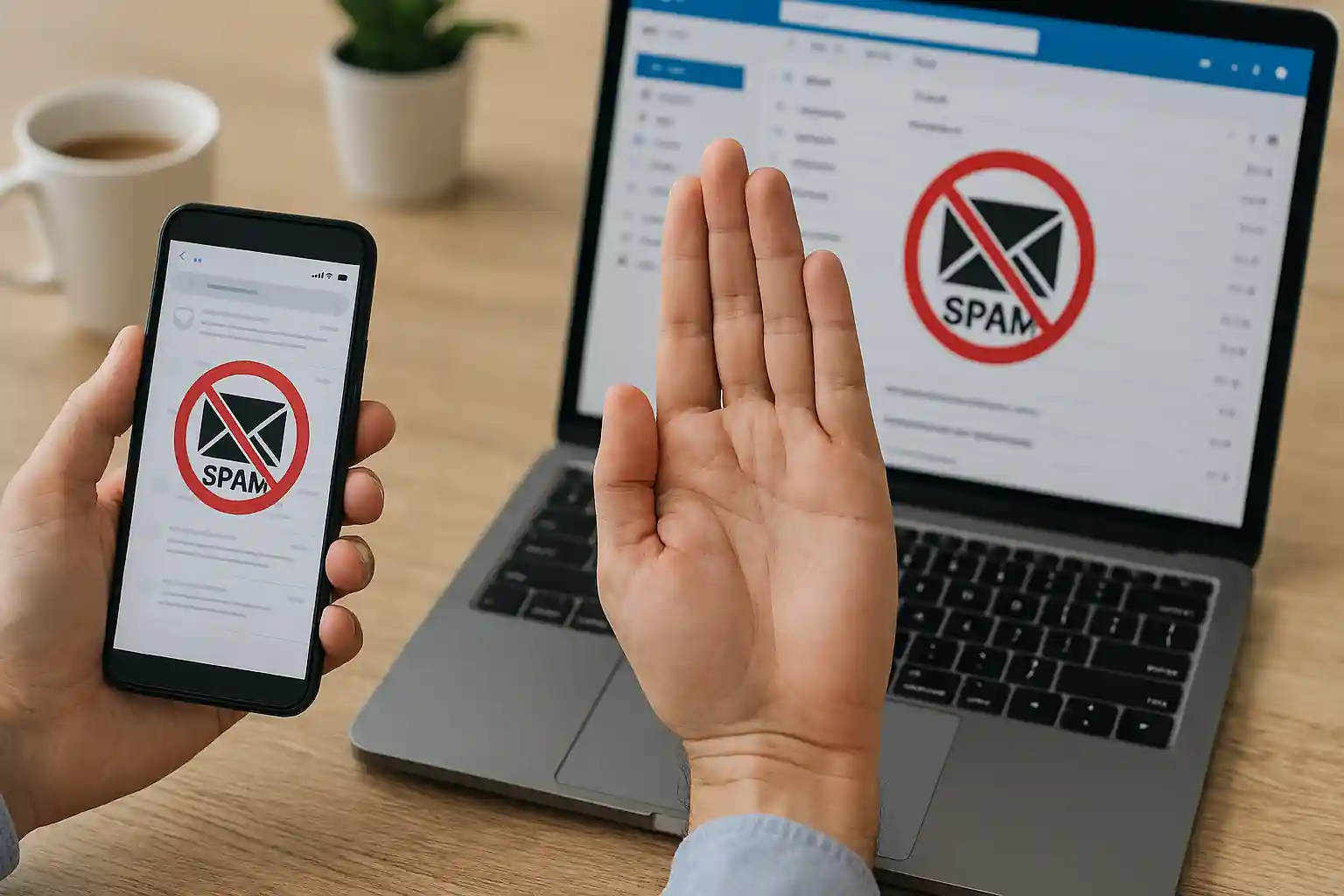
How Do I Block Spam Emails? The Complete Guide to Stop Spam, Junk & Unwanted Mail for Good
If you’re asking how do I block spam emails, you’re not alone. Every day, millions of users open their inbox only to find it flooded with spam, junk mail, promotional messages, phishing attempts, and unsolicited offers. These spam emails don’t just waste time — they put your personal information, online accounts, and sensitive data at risk.
At mail experts, we specialize in helping individuals and businesses block spam emails, secure their email account, and keep spam out of your inbox permanently. This comprehensive guide will show you how to:
-
Block spam in Gmail and Outlook
-
Block an email address or entire domain
-
Use advanced spam filter tools
-
Stop spam emails before they reach your inbox
-
Protect your primary email and secondary email from spammers
-
Secure your email service with proactive protection
If your goal is to stop spam emails for good — and not just temporarily move them to a spam folder — keep reading.
Why Am I Getting So Many Spam Emails in My Inbox?
Spam is more than just annoying junk mail. It’s often part of a larger ecosystem involving spammers, scammers, phishing campaigns, and even illicit data harvesting operations.
When you receive unwanted email, it’s usually because:
-
Your email address was exposed in a data breach
-
You signed up for promotional emails or mailing lists
-
Your address was scraped from public platforms
-
You entered your email on a suspicious website
-
Your old email address was resold to third-party marketers
-
A scammer guessed your email domain through DNS lookups
-
Your personal data was leaked through weak privacy policies
Once your address gets into email lists, it spreads fast. That’s when spam emails start multiplying.
What Is Spam and Why Should You Block Spam Emails Immediately?
Spam emails are unsolicited, unwanted messages sent in bulk. These can include:
-
Promotional emails you never signed up for
-
Fake newsletter offers
-
Phishing emails trying to steal sensitive information
-
Malicious links in spam
-
Fraudulent products and services
-
Scammer impersonations
-
Illicit financial schemes
If you don’t block spam emails, you risk:
-
Identity theft
-
Compromised online accounts
-
Loss of personal data
-
Malware infections
-
Time wasted sorting junk
Blocking spam is not just about convenience — it’s about security.
How Do I Block Spam Emails in Gmail?
If you use Gmail, you already have a built-in spam filter — but you need to configure it properly to stop the spam effectively.
Step 1: Block a Specific Sender in Gmail
-
Open the specific email
-
Click the three dots next to the sender
-
Select Block [Sender]
This action will block someone instantly and future incoming emails from that sender will go directly to the spam folder.
Step 2: Report Spam or Report Phishing
Click “Report spam” or “Report phishing” to notify the Gmail server that the message is malicious.
When you report spam, Gmail’s spam filter learns and improves detection of similar emails.
Step 3: Create Advanced Filters
To block spam emails more aggressively:
-
Go to Settings → Filters
-
Create a filter based on:
-
Email addresses or domains
-
Subject line keywords
-
Specific senders
-
-
Choose: Delete, Skip Inbox, or Mark as spam
If you truly want to block spam emails long-term, combining manual blocking and filtering is essential.
Outlook users frequently struggle with junk mail flooding their inbox.
Block an Email Address in Outlook
-
Open the message
-
Click “Junk”
-
Select “Block Sender”
This moves the email to your junk email folder and prevents future incoming messages from that sender.
Add Domain to Blocked List
You can block entire domains:
-
Go to Settings
-
Open Junk Email
-
Add email addresses or domains to “Blocked senders”
This is especially helpful when spammers use similar emails with slight variations.
Use Microsoft Support Resources
If spam keeps bypassing your spam filter, contact Microsoft Support for advanced troubleshooting — especially if your email client isn’t syncing properly with the server.
How Do I Block Spam Emails by Domain?
Spammers often rotate specific email addresses but keep the same domain.
Instead of blocking one email address at a time:
-
Identify the domain
-
Add it to your blocked senders list
-
Use your email service filter rules
-
Configure server-level filtering
You can also use WHOIS lookup tools to verify suspicious domains. WHOIS helps identify the origin and legitimacy of domains sending spam.
How Do I Stop Spam Emails from Mailing Lists?
Not all spam is malicious. Some are promotional emails from mailing lists you forgot you joined.
Use the Unsubscribe Option Carefully
Most legitimate companies include an unsubscribe link at the bottom of the mail.
Before clicking unsubscribe:
-
Confirm it’s a reputable company
-
Check privacy policies
-
Avoid clicking links in spam if suspicious
Unsubscribing works for valid emails but does not work for scammers.
If you keep receiving unwanted messages after unsubscribing, report spam immediately.
How Do I Stop Spam Emails Without Losing Valid Emails?
One of the biggest concerns users have when they want to block spam is accidentally filtering valid emails.
To prevent this:
-
Regularly check your spam folder
-
Maintain a safe senders list
-
Review blocked senders or safe senders settings
-
Avoid aggressive delete-all filters
Balancing spam out of your inbox without losing important mail is critical for businesses.
What Is the Best Spam Filter for Complete Protection?
Basic spam filters in Gmail or Outlook are good — but not enough.
If you’re serious about learning how do I block spam emails permanently, you need a professional spam filter.
We recommend our dedicated solution:
👉 Best Email Spam Filter Service
https://mailexperts.io/services/best-email-spam-filter/
Our enterprise-level spam filter:
-
Stops spam emails at the server level
-
Blocks malicious domains
-
Detects phishing attempts
-
Prevents junk mail
-
Protects personal information
-
Shields sensitive information
-
Filters incoming emails before they reach your inbox
Unlike basic filters, our system is proactive — not reactive.
How Do I Block Spam Emails in Yahoo?
If you’re using Yahoo, follow our complete tutorial here:
👉 How to Stop Spam Emails in Yahoo
https://mailexperts.io/stop-spam-emails-yahoo/
Yahoo users often get spam due to weaker filtering compared to Gmail and Outlook.
How to Stop Spam Emails Proactively
1. Use a Secondary Email
Keep your primary email clean by:
-
Using a secondary email for newsletter signups
-
Using a different email for online shopping
-
Protecting your main email from exposure
2. Avoid Sharing Personal Data
Never share:
-
Sensitive information
-
Account credentials
-
Personal data in suspicious email
3. Avoid Suspicious Links
Never click:
-
Links in spam
-
Unexpected attachments
-
Unknown promotional offers
4. Disable Automatic Image Loading
Many spammers track when you open an email. Disable automatic loading in your email client.
5. Use Third-Party Tools Like MailWasher
MailWasher is a third-party tool that helps preview and block spam before it reaches your inbox.
How to Block Someone Who Keeps Sending Spam
If someone repeatedly sends spam:
-
Block an email address
-
Report phishing
-
Add domain to filter
-
Contact your email service
-
Adjust privacy settings
If harassment persists, escalate the issue.
Advanced Techniques to Stop the Spam Completely
DNS Configuration
Businesses can configure DNS records to reduce spam:
-
SPF
-
DKIM
-
DMARC
This prevents domain spoofing.
Server-Level Blocking
Blocking at the server is far more effective than blocking inside the inbox.
Disable Catch-All Emails
Catch-all settings can increase spam exposure.
How Do I Unblock a Sender?
Sometimes you may accidentally block valid emails.
To unblock:
-
Go to blocked senders
-
Remove email address
-
Check spam folder
-
Restore message
Always review before permanent delete.
Why Basic Filters Are Not Enough
Gmail and Outlook spam filters are improving, but:
-
Spammers evolve
-
Phishing tactics change
-
Scammers use similar emails
-
Illicit campaigns adapt
You need proactive protection, not reactive filtering.
How Mail Experts Helps You Stop Spam Emails
At mail experts, we don’t just block spam emails — we eliminate spam at its source.
Our approach includes:
-
Advanced spam filter deployment
-
Domain-level blocking
-
Mail server security
-
Email account audit
-
Phishing detection
-
Protection of personal information
-
Blocking unwanted email campaigns
-
Cleaning junk mail before it reaches your inbox
We specialize in protecting businesses that:
-
Get spam daily
-
Receive email from unknown domains
-
Handle sensitive information
-
Want to stop spam emails permanently
FAQ: How Do I Block Spam Emails?
Can I Completely Stop Spam Emails?
You can drastically reduce spam emails using:
-
Spam filter systems
-
Domain blocking
-
Proper privacy settings
-
Professional services
Why Do I Still Get Spam After Blocking?
Spammers rotate email addresses and domains.
That’s why you must block email addresses or domains — not just individual senders.
Should I Delete or Report Spam?
Always report spam before you delete it.
Can Spam Harm My Online Accounts?
Yes. Phishing emails can steal login credentials.
Final Thoughts: How Do I Block Spam Emails Permanently?
If you’ve been searching how do I block spam emails, now you know:
-
Use Gmail and Outlook filtering
-
Block an email address
-
Block spam emails by domain
-
Report spam and report phishing
-
Unsubscribe from reputable mailing lists
-
Protect your primary email
-
Use advanced spam filter solutions
But if you truly want to stop spam emails permanently, basic steps aren’t enough.
👉 Get professional-grade protection here:
https://mailexperts.io/services/best-email-spam-filter/
At mail experts, we help you:
-
Stop spam
-
Stop spam emails
-
Block spam
-
Block spam emails
-
Secure your inbox
-
Protect your personal information
-
Keep unwanted messages away
Don’t let spam control your inbox.
Take control today.